
Best AI Voices for Automated Video Ads
How to choose AI voice styles for different ad goals, platforms, and audience expectations using an AI commercial maker.
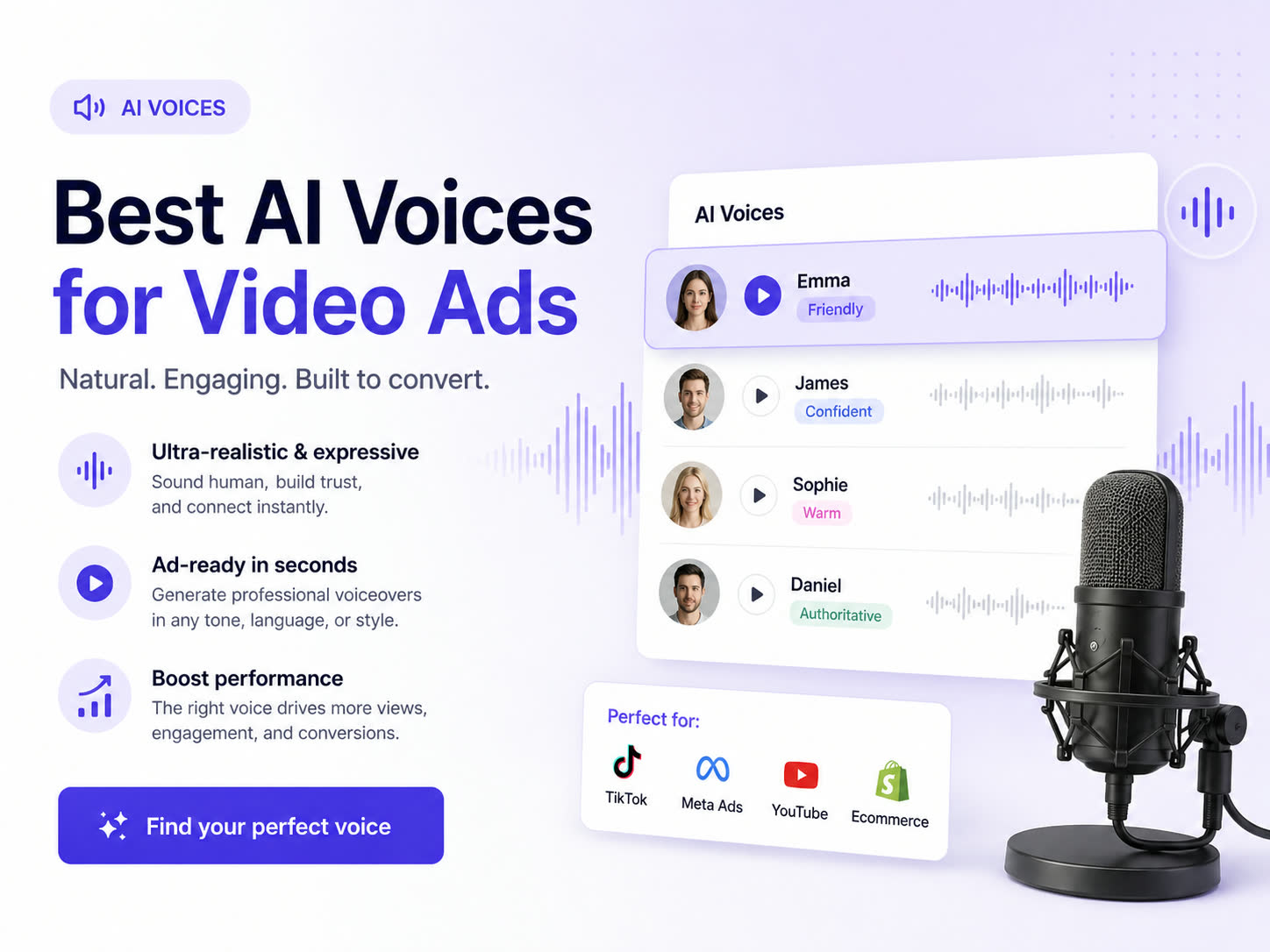
Voice quality is no longer just about sounding realistic. It's about fit: matching the message, the target audience, and the platform context. Advivi integrates a premium library of AI voices directly into your video generation workflow. Here is how to choose the right one to drive conversions.
1. Map Voice to Campaign Intent
Different stages of the funnel require different vocal deliveries. When selecting a voice prompt in Advivi:
- Direct Response (Bottom Funnel): Tell the AI to use high-energy, fast-paced voices. The goal is immediate action.
- Brand Awareness (Top Funnel): Prompt for warmer, conversational, and narrative-driven tones. The goal is trust and storytelling.
- Educational/Demo: Select clear, articulate, and moderately paced voices to explain complex product features.
2. Automate Voice and BGM Generation
Manually syncing audio to video is tedious. In Advivi, once your storyboard is confirmed and your video segments are generated, you simply click Generate VoiceOver & BGM.
"Platform context dictates the rhythm of your audio just as much as your visuals."
Our system automatically synthesizes a natural-sounding voiceover based on your storyboard's script and pairs it with matching background music. The TTS (Text-to-Speech) is merged into a single, cohesive audio file that fits the pacing of your entire ad.
3. Combine with Your Virtual Avatar
If you are using Advivi's Virtual Avatar feature, the generated voiceover becomes even more critical. The AI ensures that the tone of the voiceover matches the persona of the avatar you uploaded at the beginning of the chat session. If you uploaded a youthful, casual avatar, prompt the AI to generate an energetic Gen Z voice to match.
4. Assemble and Export
Once the VoiceOver and BGM are ready, you don't need to download and sync them in Premiere Pro.
Click Add All Videos to Timeline. Advivi drops your video clips, your merged voiceover track, and your background music directly into our multi-track timeline. From there, you can adjust the volume levels, trim any excess, and instantly export your final A/B test variations.
Find the perfect voice for your ads
Don't settle for generic text-to-speech. Use Advivi's premium AI voices to generate high-converting narration in seconds.
Start Creating for Free