
Best AI TikTok Video Generator Playbook
Learn how to use the best AI TikTok video generator workflow to create more ad variants with faster hook testing and cleaner iteration.
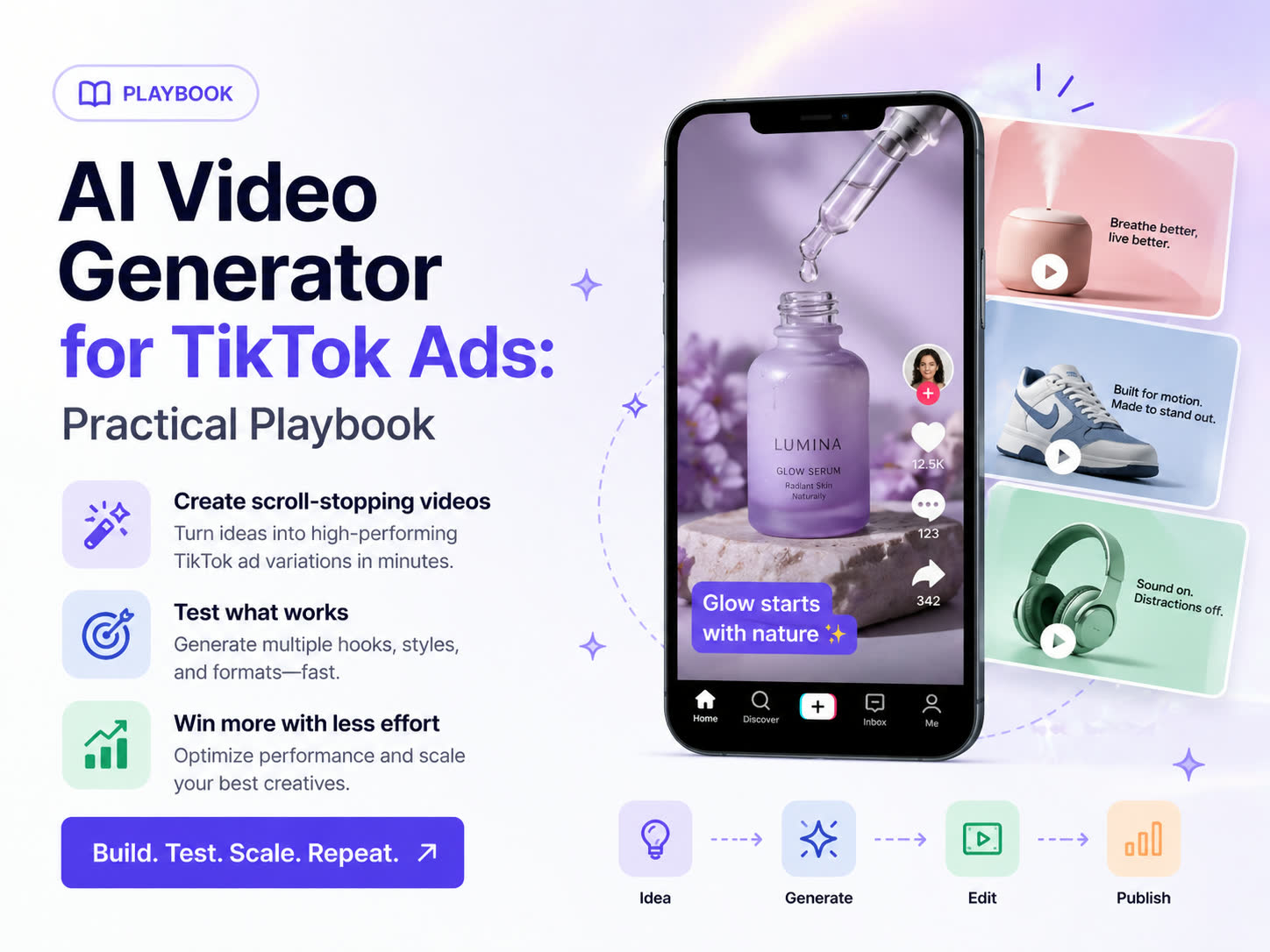
If you are searching for the best AI TikTok video generator, you are usually trying to solve two problems at once: faster hook testing and better creative iteration. With Advivi, you can automate the workflow from storyboard generation to video clips and final timeline assembly. Here is how to structure a repeatable TikTok testing pipeline using our platform.
The goal is not one polished export. The goal is producing enough TikTok-native hook variations, scene pacing tests, and CTA versions to give your campaign a real chance to find a winner.
What the best AI TikTok video generator should help you do
A useful TikTok workflow should help your team do four things well:
- Turn one product brief into multiple hooks quickly.
- Keep scene pacing aggressive without rebuilding the full ad.
- Reuse the winning middle scenes while swapping weak openings.
- Export more short-form variants for structured testing.
If a tool only gives you one output, it is not helping your TikTok ad loop enough.
1. Use Advivi's AI Chat for hook-first scripting
On TikTok, the first 3 seconds dictate 80% of the video's success. Instead of writing a linear script from start to finish, you should adopt a hook-first approach.
Open your Advivi project and ask the AI Chat:"Give me 3 distinct visual hooks for my skincare product. Make one a controversial statement and one a 'Before & After' shot."
- The Visual: Advivi will generate a storyboard with distinct image frames for each hook idea.
- The Animation: Once you confirm the storyboard, click Generate Selected Videos to let models like Veo animate those specific hook images.
- The Audio: Use the Generate VoiceOver & BGM button to automatically sync a high-energy TTS voice to your hooks.
2. Keep scene pacing aggressive
TikTok feeds are inherently fast. If your scene lingers for more than 3 seconds without a visual change, users will scroll. Advivi's scene-based generation is built specifically to prevent this.
"Every time a viewer might get bored, give them a new visual anchor."
Because Advivi breaks your ad into distinct frames (e.g., Frame 1, Frame 2, Frame 3), you naturally create fast-paced cuts. You can even manually tweak the prompt for Frame 2 to ensure it has strong visual contrast against Frame 1 before you hit the Generate button.
3. Build modular creative blocks on the timeline
Stop treating ads as single, monolithic files. Break them down into modular blocks: Hook, Body, and CTA.
Once your video segments are generated, click Add All Videos to Timeline. Inside the Advivi timeline editor, you can easily swap out the first video clip (the Hook) while keeping the rest of the timeline exactly the same. This modularity is the secret to scaling campaigns without burning out your creative team.
4. Batch export and test
Launch 3-5 variants per concept in a single campaign on TikTok Ads Manager. Give the algorithm enough variety to find the right audience pocket.
Kill underperformers ruthlessly after 48-72 hours. When you find a winner, go back to your Advivi dashboard, duplicate the winning project, click Edit on the storyboard's middle frames to change the product feature being highlighted, and hit Regenerate Selected Videos.
Why this works better than a generic TikTok video tool
The strongest TikTok advertisers do not scale because they guessed the perfect hook once. They scale because they can test more hooks, keep the winning scene flow, and quickly export new variants around the same product story.
That is why our best AI TikTok video generator workflow focuses on creative iteration instead of one-click output.
Best AI TikTok Video Generator FAQ
What makes a good AI TikTok video generator?
A good TikTok workflow should help you generate multiple hooks, control scene pacing, and quickly test new openings without rebuilding the entire ad from scratch.
Can I create multiple TikTok ad hooks from one concept?
Yes. With storyboard-based generation, you can turn one product brief into multiple visual hooks, then animate only the strongest scenes into ad-ready variants.
How do I improve TikTok ad watch time?
Open with a strong contrast or claim, show the product quickly, and change the visual anchor before attention drops. Faster scene turnover and stronger openings usually improve watch time.
Can I test TikTok creative variations faster with Advivi?
Yes. Scene-based editing, selected video generation, and timeline-based swapping make it easier to duplicate winning structures and test more hooks, proof angles, and CTA endings.
Ready to scale your TikTok Ads?
Stop waiting for creative deliverables. Use Advivi to build, test, and iterate short-form TikTok ad creatives faster than ever.
Try the TikTok AI Video Generator