
Amazon Listing Video Generator: Product Videos for Listings & PDP
Create Amazon listing videos and product detail page videos from product assets with a clearer seller workflow built for listings.
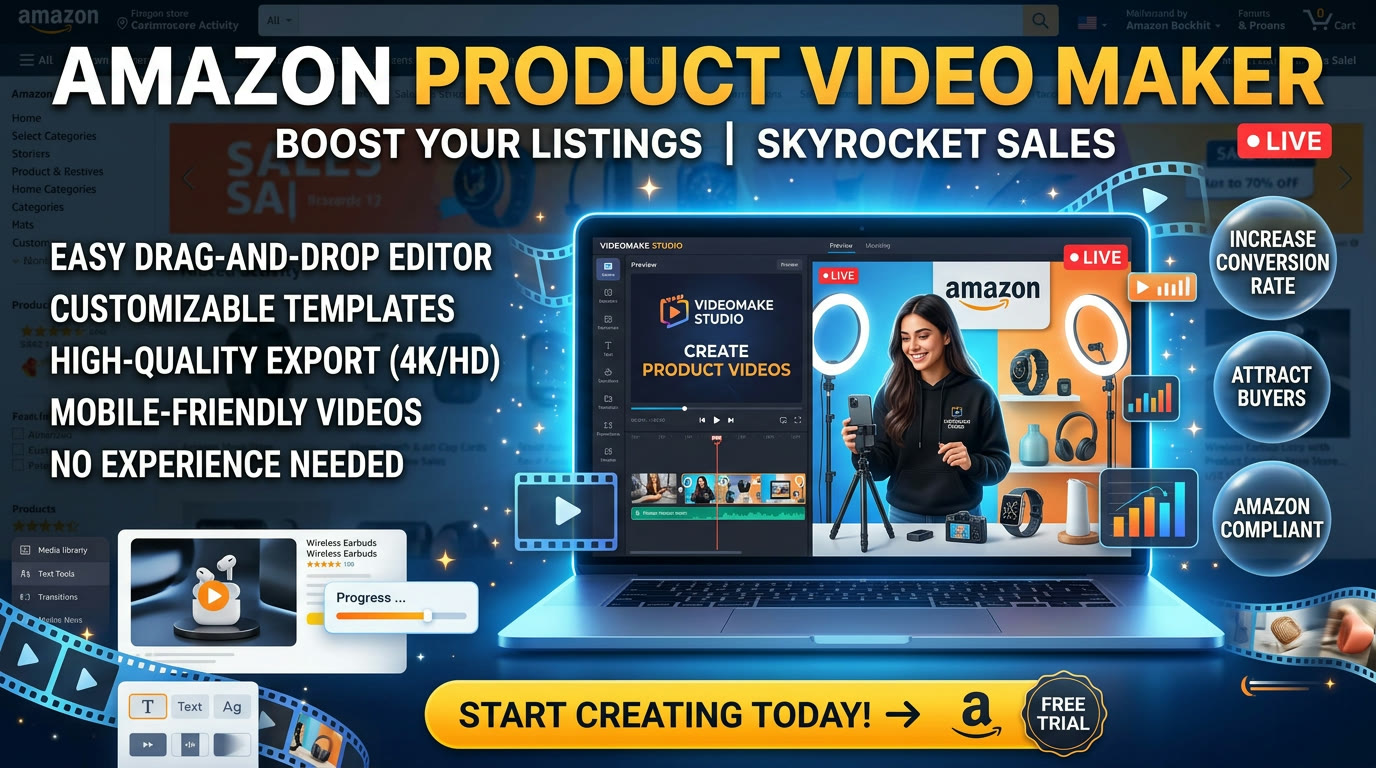
If you are searching for an Amazon listing video generatoror an Amazon product video maker, you are usually not trying to build a flashy ad first. You are trying to create a cleaner listing video, a product detail page video, or a seller-friendly workflow that turns existing product assets into a clear product story faster.
That is why listing video production needs a different emphasis from paid ad creation. You still need speed, but the structure should focus more on product clarity, proof, and use case communication. This guide shows how to do that with Advivi.
What an Amazon listing video generator should actually help sellers do
A useful listing workflow should help sellers do four things well:
- Turn listing photos and claims into a structured storyboard fast.
- Build product detail page videos without a full custom shoot.
- Highlight one benefit per scene instead of overloading one clip.
- Reuse the same product story for future ad and PDP variations.
If a tool cannot help you do that, it is not really helping the seller workflow. It is just outputting isolated videos.
1. Start from your listing assets, not a blank script
Most sellers already have enough to begin: product photos, claim bullets, feature benefits, and a clear use case. In Advivi, start with a prompt like:
"Create an Amazon product video for a cordless milk frother. Show quick setup, daily use, texture results, and one product detail page version with a cleaner ecommerce tone."
That turns static listing inputs into a reviewable storyboard. If you also want ad variations from the same product story, pair this guide with our Amazon ads AI video generator playbook.
2. Give each listing video scene one clear job
Product detail page videos usually perform better when every scene is kept simple:
- Frame 1: Introduce the product and its core use case.
- Frame 2: Show the product in action immediately.
- Frame 3: Isolate the most important product benefit.
- Frame 4: Reinforce trust with a detail, close-up, or proof point.
- Frame 5: End on the product outcome or a clean brand anchor.
This keeps the listing video easy to follow and makes it much easier to update one weak scene without rebuilding the full asset.
3. Product detail page video is about clarity more than hype
Unlike aggressive ad creative, listing videos do not always need the strongest possible hook. The shopper is already in a product context. What matters more is how quickly the video explains the product, reduces friction, and supports purchase confidence.
That is why a strong Amazon product video maker should keep the visual story clean. Use the storyboard to separate use case, benefit, proof, and outcome instead of trying to cram all of them into one fast-cut clip.
4. Generate only the scenes that deserve motion
Some listing scenes work better as clean static product cards. Others deserve motion because they show product function, texture, or before and after change more clearly. Generate only those scenes into videos.
This gives you more control over the final listing asset and helps you save effort for the parts that actually improve product understanding.
5. Use the same product story for ads and Sponsored Brand Video later
One of the best reasons to use a storyboard-based workflow is that listing video assets do not have to stay trapped in one channel. Once you have a clear product story, you can branch it into ad and Amazon placement variants much faster.
If you want to extend this into a tighter Amazon ad workflow, use our Amazon Sponsored Brand Video with AI guide and the broader Amazon AI video generator landing workflow.
6. Use the timeline to update listing variants faster
After generation, click Add All Videos to Timeline. Now you can shorten the intro, replace one benefit shot, or create a second product detail page version without starting again from zero.
This matters because Amazon sellers often need small variations around the same core product story, not an entirely new creative system every time.
Amazon Product Video Maker FAQ
What is an Amazon product video maker?
It is a workflow that helps sellers turn listing assets, product photos, and brief prompts into structured videos for product detail pages and other Amazon-ready content.
Can I use an Amazon product video maker for product detail page videos?
Yes. A strong workflow should help you build product detail page videos that explain the product clearly, highlight one benefit per scene, and support purchase confidence.
What should an Amazon listing video include?
A good listing video usually includes the product use case, the core benefit, one or two proof points, and a clear visual outcome. Simpler structure usually works better than overcrowded messaging.
Can I reuse a listing video workflow for Amazon ads later?
Yes. If the product story is built scene by scene, you can reuse the same foundation for listing videos, Sponsored Brand Video, and broader Amazon ad variants later.
Need cleaner Amazon listing videos without rebuilding every scene?
Use Advivi to turn listing assets into product detail page videos, clearer benefit scenes, and reusable Amazon seller workflows.
Try the Amazon Product Video Workflow