
Amazon Video Maker for Sellers: Listings, Product Videos & Ad Variations
Learn how sellers use an Amazon video maker workflow to create listing videos, product demos, product detail page videos, and ad-ready variations faster.
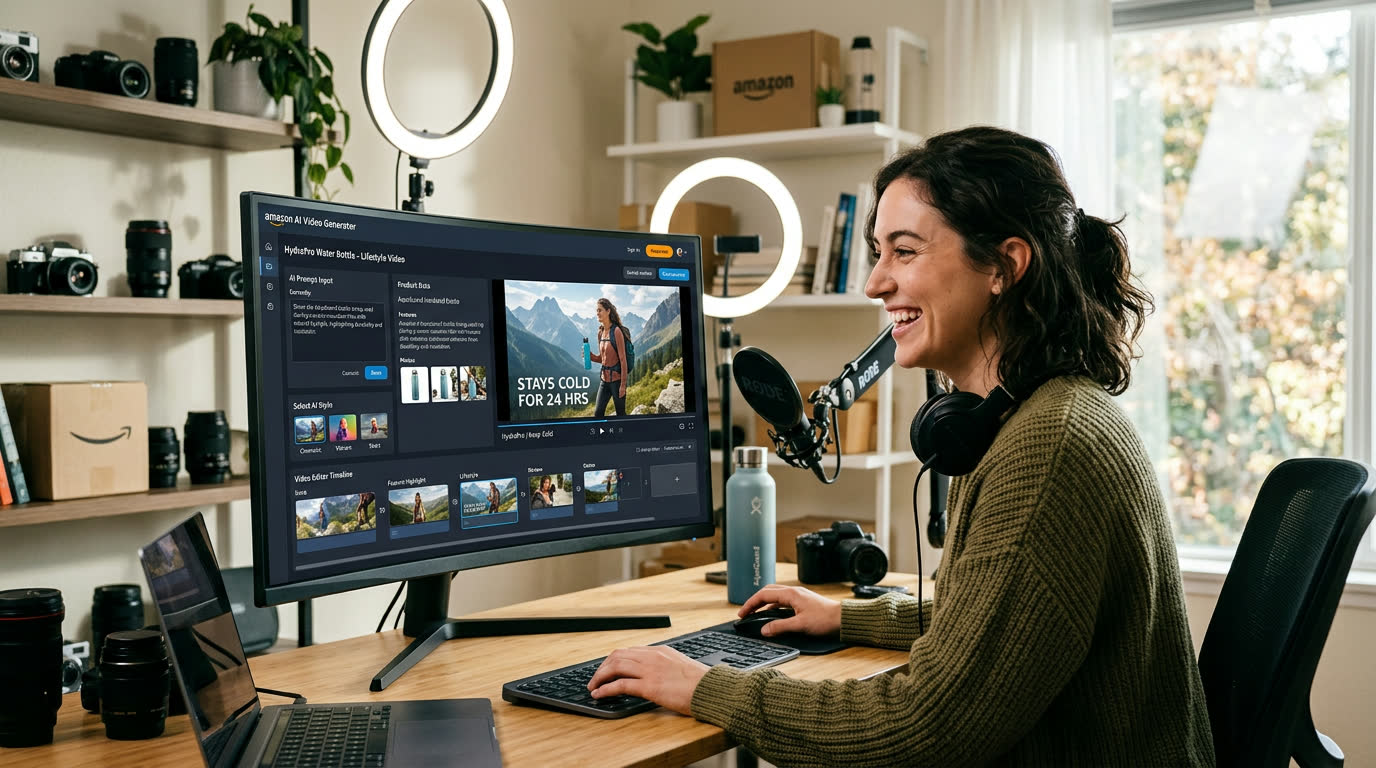
If you are searching for an Amazon video maker, an Amazon video generator AI, or an Amazon product video maker, the real question is not whether AI can make a video. The real question is whether it can help you turn one product story into listing videos, product demos, and ad-ready variations without slowing down your seller workflow.
That is where most generic tools fail. They can generate a single video, but they do not help Amazon sellers turn product photos, listing claims, and PDP content goals into a repeatable production system. This playbook is about building that system with Advivi.
In practice, people who search for an Amazon video makerusually want a faster way to turn one seller brief into listing videos, product detail page content, and ad variations without restarting from scratch each time.
If your main need is broader Amazon AI video generatorcoverage or ad variation testing, start with our Amazon video maker for sellers page. This guide stays focused on listing videos, product demos, and product detail page structure.
What people usually mean when they search Amazon video maker
Most people searching Amazon video maker are not looking for a random video editor. They usually want a workflow that can turn existing Amazon assets into something usable for commerce: listing videos, product detail page videos, product demos, or faster ad variations.
That is why this query often overlaps with Amazon product video maker, Amazon video generator, and Amazon AI video generator. The wording changes, but the core need is usually the same: build stronger Amazon-ready creative from one product story without rebuilding everything by hand.
If your intent is more specific, go directly to the matching path: listing and PDP videos, Amazon ad hooks and paid variations, or the broader Amazon AI video generator workflow.
Who should use an Amazon video maker
- Amazon sellers who need faster listing and product detail page videos.
- Brand teams that want product demos and benefit-led variations from one brief.
- Agencies managing multiple SKUs, claims, and creative refresh cycles.
- Performance teams testing Sponsored Brand Video hooks and offer angles.
- Catalog-heavy teams that need repeatable Amazon creative, not one-off editing.
Common Amazon video maker use cases
- Create a cleaner listing video from product photos, claims, and reviews.
- Turn one PDP angle into multiple product demo variations.
- Build a product-detail-page version and a stronger ad version from the same storyboard.
- Refresh old Amazon creatives without starting from a blank timeline.
- Reuse one product story across listing, PDP, and Sponsored Brand Video needs.
What an Amazon video maker workflow should actually do
A useful Amazon video maker workflow should help you do three things well:
- Turn listing assets into a structured storyboard quickly.
- Create multiple product-message variations without full rewrites.
- Support both product page videos and Amazon ad creatives.
In other words, the goal is not one pretty video. The goal is faster creative iteration for marketplace conversion.
1. Start with one Amazon selling angle, not a full script
Most Amazon sellers already know the core value proposition they want to show: durability, texture, before-and-after, unboxing, or a clean product demo. In Advivi, you can open the AI Chat and start with a compact brief such as:
"Create an Amazon product video for a portable blender. Emphasize quick cleaning, daily convenience, premium kitchen styling, and one Sponsored Brand Video version with a stronger first-second hook."
That single prompt is enough for Advivi to generate a structured storyboard draft instead of just a loose paragraph of copy. This is the key difference between a generic video tool and a real Amazon product video maker workflow.
2. Use storyboard frames to isolate Amazon selling points
Amazon buyers scan fast. Whether the video lives on a product detail page or supports an ad campaign, each scene should communicate one clear value point. Instead of overloading one long clip, break the video into individual frames:
- Frame 1: Hook the shopper with the core problem or product use case.
- Frame 2: Show the product in action immediately.
- Frame 3: Isolate the strongest differentiator or proof point.
- Frame 4: Reinforce trust with a close-up, lifestyle shot, or detail view.
- Frame 5: End with a simple brand anchor or product outcome.
Inside Advivi, you can regenerate only the weak frame instead of restarting the whole creative. That matters when you want to test multiple Amazon video generator variations quickly across different offers and product claims.
3. Amazon video maker vs broader Amazon video workflows
This distinction matters because search intent is slightly different. People searching Amazon video maker or Amazon product video maker usually want listing videos, product detail page content, and clearer product demos. People searching broader Amazon video generatorworkflows often care more about ad hooks, faster testing, and variant production.
With Advivi, you can build one storyboard foundation, then keep this version focused on cleaner product-page storytelling while adapting the same product idea into broader Amazon ad workflows only when you need them.
If you need paid creative more than listing structure, switch to our Amazon Ads AI Video Generator for Sponsored Brand Video and hook testing. That page is intentionally optimized for ad hooks, faster paid iteration, and Sponsored Brand Video workflows.
4. Generate only the scenes that deserve motion
Not every storyboard image needs to become a video clip. Some scenes work better as fast static product cards, while others need motion. After reviewing the storyboard, select the strongest frames and click Generate Selected Videos.
This lets you reserve motion generation for product demos, texture-driven scenes, unboxing moments, or camera moves that actually increase conversion intent. It is a better workflow than trying to force a full Amazon ad into one single generation pass.
5. Build Sponsored Brand Video variations faster
For Sponsored Brand Video testing, the first seconds carry disproportionate weight. You usually do not need to rebuild the whole video. You need to swap the hook, the order of value points, or the way the product appears in the opening shot.
Because Advivi works scene by scene, you can regenerate just the intro frames, keep the stronger middle scenes, and export multiple ad-ready variants much faster than rebuilding from zero.
6. Add voiceover and BGM after the visual structure is locked
Once the scenes are approved, use Generate VoiceOver & BGM. Advivi can create a narration layer and supporting music after the visual sequence is set, which keeps the message aligned with the final cut.
For Amazon product videos, clarity usually beats hype. Short lines, clear product wording, and fast benefit delivery usually outperform overly cinematic narration.
7. Build variations in the timeline instead of starting over
After generation, click Add All Videos to Timeline. This is where the real scaling happens. You can swap only the first hook, replace one benefit scene, or shorten the CTA while keeping the rest of the structure intact.
That means one product concept can become multiple Amazon-ready creatives for different product page needs, Sponsored Brand Video tests, or marketplace experiments.
Why this works better than a generic Amazon video generator
The best-performing ecommerce teams do not win by generating one perfect video. They win by building a repeatable testing system for product page content, paid variation testing, and faster asset reuse. That is why our Amazon AI video generator page focuses on rapid iteration, not just one-click output.
If you already have a broader concept and want to turn it into a full ad structure first, you can also use our Ideas to Ad Videos playbook before narrowing the output into Amazon-specific versions.
Amazon Video Maker FAQ
What is an Amazon video maker?
An Amazon video maker helps sellers turn product photos, listing claims, and product angles into structured video drafts for Amazon listings, product detail pages, and ad variations. The goal is to create clearer product-focused videos from assets you already have.
Is Amazon video maker the same as Amazon product video maker?
Often yes. In practice, both queries usually point to the same core need: turning Amazon product assets into listing videos, product demos, and conversion-focused creative faster. The difference is that Amazon product video maker usually leans more toward product-page content, while Amazon video maker can also include ad and variation workflows.
Who should use an Amazon video maker?
It is most useful for Amazon sellers, ecommerce teams, agencies, and performance marketers who need repeatable product video production without rebuilding each new variation from scratch.
Can I use an Amazon product video maker for Sponsored Brand Video?
Yes. A strong Amazon product video maker workflow can support both product-detail-page videos and Sponsored Brand Video variations. In Advivi, you can use one storyboard base, then create a cleaner product page version and a faster hook-driven ad version from the same concept.
What is the difference between an Amazon product video maker and an Amazon AI video generator?
The search intent is slightly different. "Amazon product video maker" usually leans toward listing and product-page content, while "Amazon AI video generator" can cover both product-page videos and broader ad workflows. A good system should support both without forcing you to rebuild assets from scratch.
Can I create multiple Amazon video generator AI variations quickly?
Yes. With scene-based storyboard editing, selected video generation, and timeline-based swapping, you can reuse one product idea across multiple hooks, selling points, and Amazon ad versions much faster than creating each video from zero.
Can an Amazon AI video generator help with listing videos too?
Yes. The best workflow does not separate listing videos from broader Amazon creative work too early. You can build one Amazon storyboard foundation, then create a cleaner product-page version before turning the same assets into stronger hook-first ad variants.
If you want a more specific workflow, start with our Amazon Ads AI Video Generator for Sponsored Brand Video and hook testing for ad variation testing, our Amazon Product Video Maker for Listings playbook for PDP and listing content, or our Amazon Sponsored Brand Video with AI guide for placement-specific ad structure.
Need an Amazon video maker workflow that scales?
Use Advivi to turn one product brief into multiple storyboard angles, generate selected scenes, and assemble conversion-focused Amazon creatives faster.
Try the Amazon Video Maker